
Logo & Business details
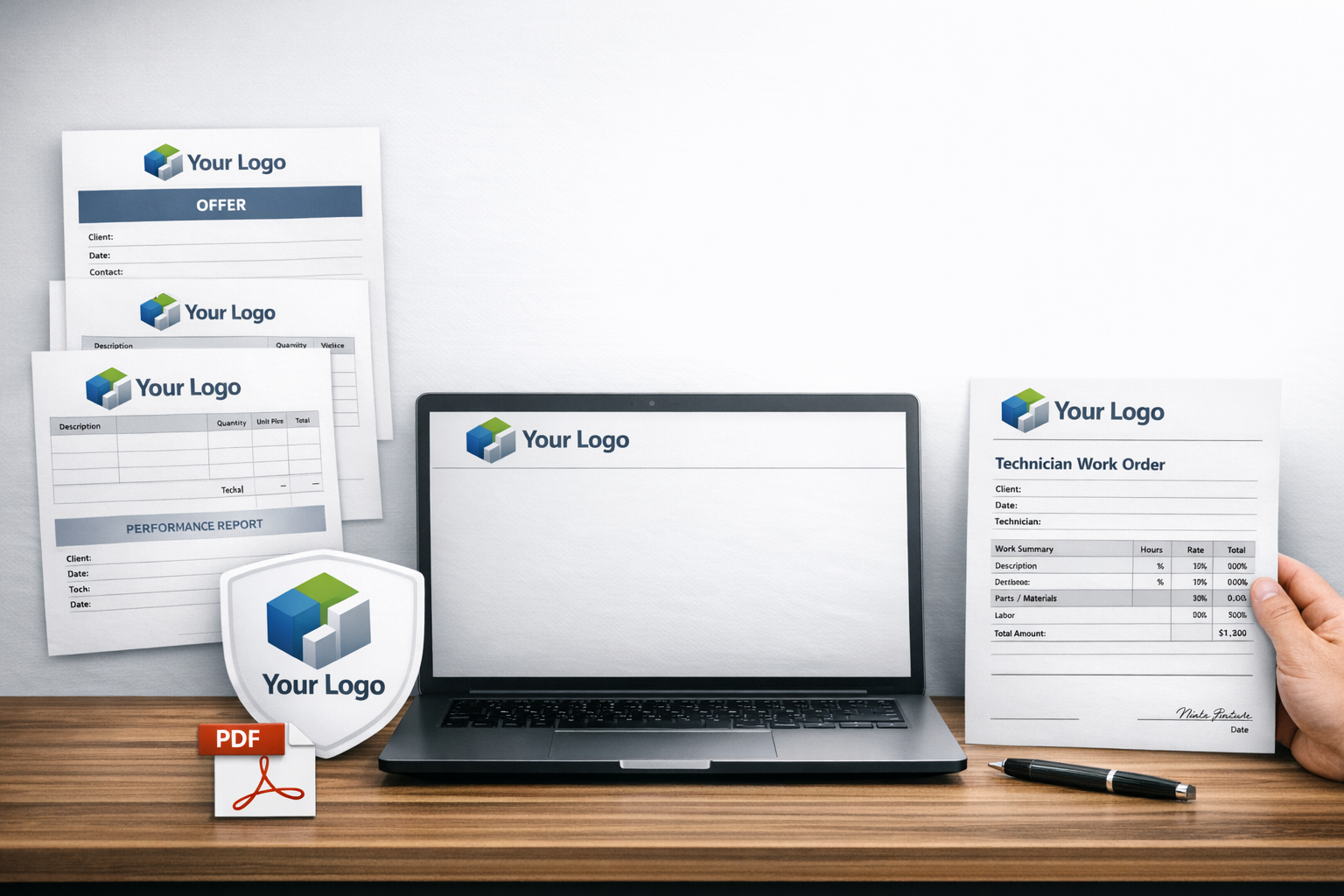
Users can upload their own business logo and company details directly into the system.
This information is automatically applied to every PDF document generated.
Offers, reports, and technician work reports are branded with the user’s identity.
All PDFs are delivered ready to be sent to customers with a professional appearance.
This ensures consistent branding and reinforces trust with every client communication.
Logo
Over the settings menu, you can upload your business logo with a few simple steps.
The logo appears to every PDF export for your client.
PDF Export
After you create a Technician Visit Report or a new Offer for your Customer, you can generate PDF and send it directly to your customer.
Business Details
In the text area box, to the menu settings, you can write your Business details, such as Company name, Address, website, contact info e.tc